


















Table of Contents
- • Backuptrans Review Summary
- • About Backuptrans
- • Other opinions about Backuptrans
- • Overview of Backuptrans
- • Backuptrans Review
- • Backuptrans Android SMS Backup Restore Review
- • Backuptrans Android SMS Transfer Review
- • Backuptrans Android SMS to iPhone Transfer Review
- • Backuptrans Pros & Cons
- • Backuptrans Usage and Features
- • Backuptrans User Considerations
- • Backuptrans Return Policy
- • Backuptrans Software Delivery and Availability
- • Backuptrans Contact Information
- • Where to buy Backuptrans?
- • Conclusion of Backuptrans reviews & ratings
Backuptrans Review Summary
Backuptrans is a software developer specializing in cross-platform mobile message and app data transfer utilities, mainly supporting Android and iPhone devices. It generally serves as a mid-market solution for users needing backup, restore, and transfer functions within this niche. While its features tend to be comprehensive, performance may vary due to compatibility and support challenges on newer devices.
Highlights
- Suitable for users needing cross-platform message backup and transfer
- Covers SMS, WhatsApp, Line, Viber, and app data management
- Offers strong features but limited by compatibility issues and inconsistent support
- Balanced functionality with a 3.5/5 user satisfaction rating
Within the broader category of mobile data transfer utilities, Backuptrans provides a varied toolkit but is not without alternatives that may offer smoother operation on the latest OS versions. For a more detailed perspective, see our Backuptrans review.
About Backuptrans
Losing important messages or needing to move data between Android and iPhone can be frustrating. Many users struggle with limited options for backing up or transferring SMS, WhatsApp, and other app data across different platforms. Native tools often lack full cross-platform support, causing data loss or extra effort.

Backuptrans develops software solutions that enable backup, restore, and transfer of mobile messages and app data on Android and iPhone. Positioned within the software sector, Backuptrans offers a suite of Windows and Mac applications focused on managing SMS, MMS, WhatsApp, Line, and Viber data with no root or jailbreak required.
The company maintains a global presence with official sites in Taiwan and Japan. It has a user base reported through Trustpilot reviews, showing mixed satisfaction but recognition for features like message merging and local backups. Support responsiveness varies, reflecting realistic challenges for mid-market software providers.
The purpose of Backuptrans software is to aid users in mobile message management and migration, especially those comfortable troubleshooting technical issues. However, compatibility problems with the latest Android versions and sometimes inconsistent customer support are notable trade-offs. For more insights, see the Backuptrans review.
Other opinions about Backuptrans
Opinions and insights gathered from trusted review articles and authoritative websites covering Backuptrans.
Overview of Backuptrans
Backuptrans is a software company based in the United States specializing in data backup, restore, and transfer tools for mobile phones. It focuses on utilities that manage SMS, MMS, WhatsApp, Line, Viber, and app data across Android and iPhone devices, addressing cross-platform data migration needs. The company operates within the software industry, primarily offering technical solutions for mobile data management.
Backuptrans develops and distributes Windows and Mac compatible software suites that enable users to backup, restore, and transfer mobile messages and app data. Its products support direct transfers between Android and iPhone without requiring root or jailbreak access, and provide local database backups on computers. The company markets its products globally via official websites, serving individual users and business customers with downloadable software licenses.
Notable factual indicators include Backuptrans’s support for the latest Android 12 and iOS 16 versions, availability of lifetime licensing options, and deployment of official websites for regions including Taiwan and Japan. The software has received a mixed user response reflected in a Trustpilot average rating of 2.1 out of 5 from 114 reviews, with documented challenges related to compatibility with newer Android models and customer support responsiveness. Its primary contact channel is email support, and it offers a 30-day money-back guarantee for refunds if the software does not function as intended, per Backuptrans review findings.
Backuptrans Review
Backuptrans is a software brand focused on providing tools for mobile message and app data management across Android and iPhone devices. It develops solutions that help users back up, restore, and transfer a variety of messaging data. The brand targets both individual and business users seeking cross-platform data handling capabilities.
Backuptrans offers a suite of Windows and Mac compatible software enabling direct transfers, local backups, and data exports for SMS, MMS, WhatsApp, Line, and Viber. Its products emphasize ease of use without requiring rooting or jailbreaking, supporting message export and printing along with WiFi connectivity for Android devices. Positioned as a mid-market utility, Backuptrans provides broad functionality for managing mobile messages and app data.
Backuptrans Highlights- Cross-platform message and app data management
- No root or jailbreak required
- Local backups with export and print options
- WiFi support for Android devices
- Lifetime licenses available
Backuptrans Android SMS Backup Restore Review
Backuptrans Android SMS Backup Restore is a software tool designed for Android users to back up and restore SMS messages between their phone and a Windows PC. It falls under the category of SMS backup and restore utilities, offering core features to manage message data. This product supports local database backups and enables connection via USB or WiFi.
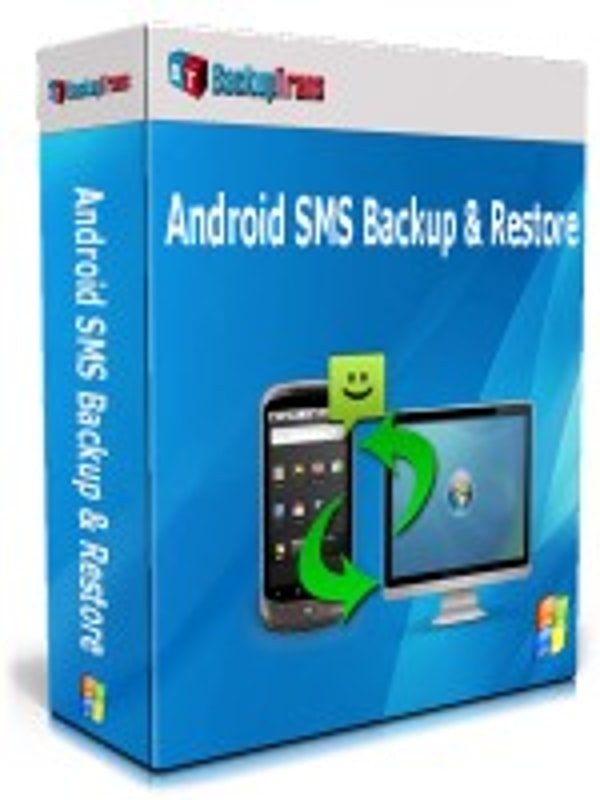
The software provides functionality for exporting messages into various file formats and printing conversations in threading mode. It includes smart search and filter options to facilitate message management. Users can perform backups and restores without needing root access on their devices.
Priced at $19 for a lifetime license covering three devices, this product is delivered through digital download. It supports multiple Android brands, targeting users who require control over their SMS data with no complex setup. Backuptrans Android SMS Backup Restore is positioned as a practical solution for SMS management on Windows platforms.
Price $19 • backuptrans.com
Backuptrans Android SMS Transfer Review
Backuptrans Android SMS Transfer is software designed for transferring SMS messages between Android phones or to a computer, serving purposes of backup and message export. It falls under mobile data management utilities, focusing on SMS transfer with additional print support.
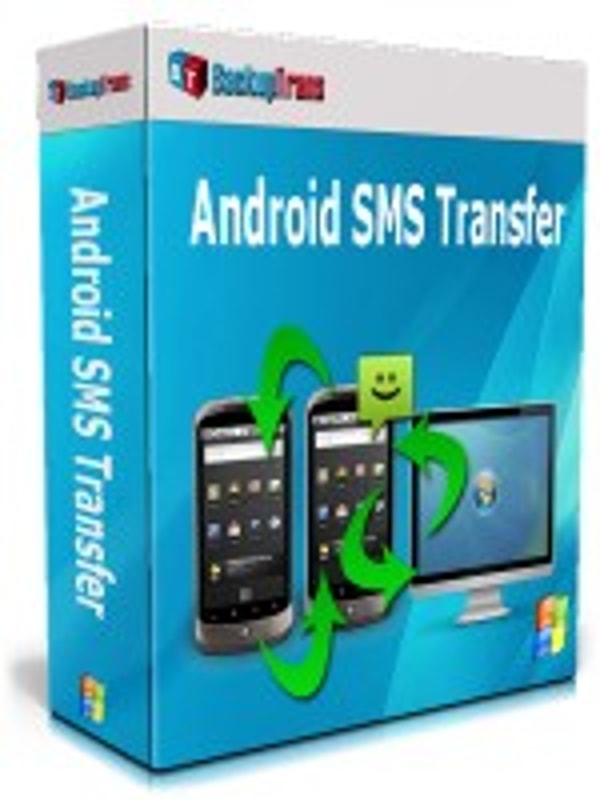
The software supports WiFi connections between devices, manages message data in a local database on a Windows computer, and includes smart search features. It targets users who manage multiple Android devices or need to transfer SMS messages during phone upgrades on a Windows platform.
Offered at $19.95 for a lifetime license covering three devices, Backuptrans Android SMS Transfer is available as a digital download. It requires no root access, making it accessible for users who want to manage SMS data without advanced modifications to their devices.
Price $19.95 • backuptrans.com
Backuptrans Android SMS to iPhone Transfer Review
Backuptrans Android SMS to iPhone Transfer is a software tool designed for migrating SMS messages directly from Android devices to iPhones. It enables users to save local backups on a Windows PC, facilitating data management during device transitions. This product falls into the category of mobile message transfer utilities.
The software operates without requiring root or jailbreak access, supporting WiFi connectivity for Android device linking. It allows users to export messages in various formats and print SMS conversations in threading mode, aimed specifically at Android-to-iPhone switchers. Its functionality focuses on direct message migration and local backup management through a PC interface.
Priced at $19.95, the product is available as a lifetime license and delivered via digital download. Compatibility with the latest Android versions may vary, suggesting some users should verify device support before purchase. The solution targets individuals needing cross-platform SMS migration with local backup options on Windows systems.
Price $19.95 • backuptrans.com
Backuptrans Pros & Cons
Backuptrans offers versatile tools for cross-platform SMS and app data transfer without requiring root or jailbreak, which is convenient for users managing multiple devices. It supports local backups that allow message export and printing, with WiFi connectivity for Android devices, enhancing usability for various scenarios. The software is compatible with major Android brands and iPhone models and provides lifetime license options, which can be cost-effective for long-term use.
However, some users experience compatibility issues with the latest Android OS versions, resulting in failed backups or restores on certain new devices. Customer support has been reported as slow or unresponsive at times, and the user interface can be complex and challenging for some users. Additionally, the refund process may not always be straightforward, and there have been occasional allegations about suspicious software behavior by a few reviewers.
- • Cross-platform SMS and app data transfer without root or jailbreak
- • Local backup database with message export and printing
- • WiFi connection supported for Android devices
- • Compatible with major Android brands and iPhone models
- • Lifetime license options for multi-device use
- • Responsive email support in some cases
- • Message merging feature for continuous conversation history
- • Compatibility issues with latest Android OS versions
- • Failed backups and restores on some new devices
- • Slow or unresponsive customer support
Backuptrans Usage and Features
Backuptrans software operates by linking mobile devices to Windows or Mac computers to back up, restore, or transfer messages from SMS, MMS, WhatsApp, Line, and Viber. It supports cross-platform data handling without the need for root or jailbreak, minimizing technical challenges and risks for users. The software allows for direct Android-to-iPhone transfers and incorporates local backup databases for message viewing and exporting.
The product also supports WiFi connectivity for Android devices, enhancing flexibility in data transfer. Key features include cross-platform message transfer, multiple export formats such as txt, csv, pdf, and html, and the ability to print message conversations in threading format. Users should be aware that software compatibility with the latest devices may experience delays, requiring potential troubleshooting.
Backuptrans User Considerations
Backuptrans aims to be user-friendly but may present a steep learning curve for non-technical users due to its complex interface and detailed processes. Successful use often requires carefully following step-by-step guides. Some users have reported compatibility problems with recent Android versions such as Android 14 and 16, as well as partial failures with backing up or restoring data, especially for WhatsApp and Viber.
Users should have some technical comfort for troubleshooting and verify device compatibility before purchasing. A refund option is available under a 30-day money-back guarantee if the software does not meet expectations. Customer support is mainly provided via email, though response times can vary, so considering these factors can help set realistic expectations and improve the user experience.
Backuptrans Return Policy
Backuptrans Software Delivery and Availability
Backuptrans software is delivered exclusively through digital download from the official website. Users have global access and can obtain the software directly after purchase without any physical shipment involved. The product is available for immediate use once downloaded to a computer.
There is no physical shipping or tracking available for the software delivery. Since the product is downloadable, there are no shipping costs or delays related to transportation. Users receive instant access to the software without waiting for delivery logistics.
Backuptrans Contact Information
Users can reach Backuptrans customer support through the available contact methods. Support is primarily provided via email and social media channels for assistance with technical issues, orders, and licenses.
- Email: [email protected]
- Support Center: https://backuptrans.com/support.html
- Facebook: backuptrans
- Twitter: backuptrans
Contacting Backuptrans support via these channels can help resolve common issues. Response times may vary and no phone or live chat support is currently provided.
Where to buy Backuptrans?
Backuptrans software is officially available through their website, where users manage accounts, access support, and review policies with clarity; purchasing occurs via digital download on backuptrans.com ensuring license authenticity and centralized service. While this platform is structurally reliable, users should note the marketplace experience can differ from offline alternatives, which are not detailed and may vary in stock or support. Buyers can expect direct transactions with standard refund policies, though some limitations in service consistency have been reported by users in various environments.
Conclusion of Backuptrans reviews & ratings
Backuptrans plays a notable role in the mobile data management category by offering cross-platform backup and transfer tools that work without requiring root or jailbreak. Its support for multiple messaging apps and flexible export options adds practical value for users handling SMS and app data. Those interested can find details at backuptrans.com to better understand its capabilities.
Exploring the software further can help users assess if it fits their specific needs and devices. With its mix of features and occasional limitations, readers can revisit this Backuptrans review to stay informed and make a thoughtful decision based on the latest insights.
Editorial notes reflect aggregated buyer feedback and our independent editorial review of publicly available information. They are for informational purposes only and do not constitute endorsements. Purchases are made at your own discretion, and we are not responsible for transactions or outcomes related to this store. Experiences may vary. This content is assisted by AI and reviewed by our editorial team. While we strive for accuracy, AI-supported information may not always be 100% precise, so please verify any critical details.

